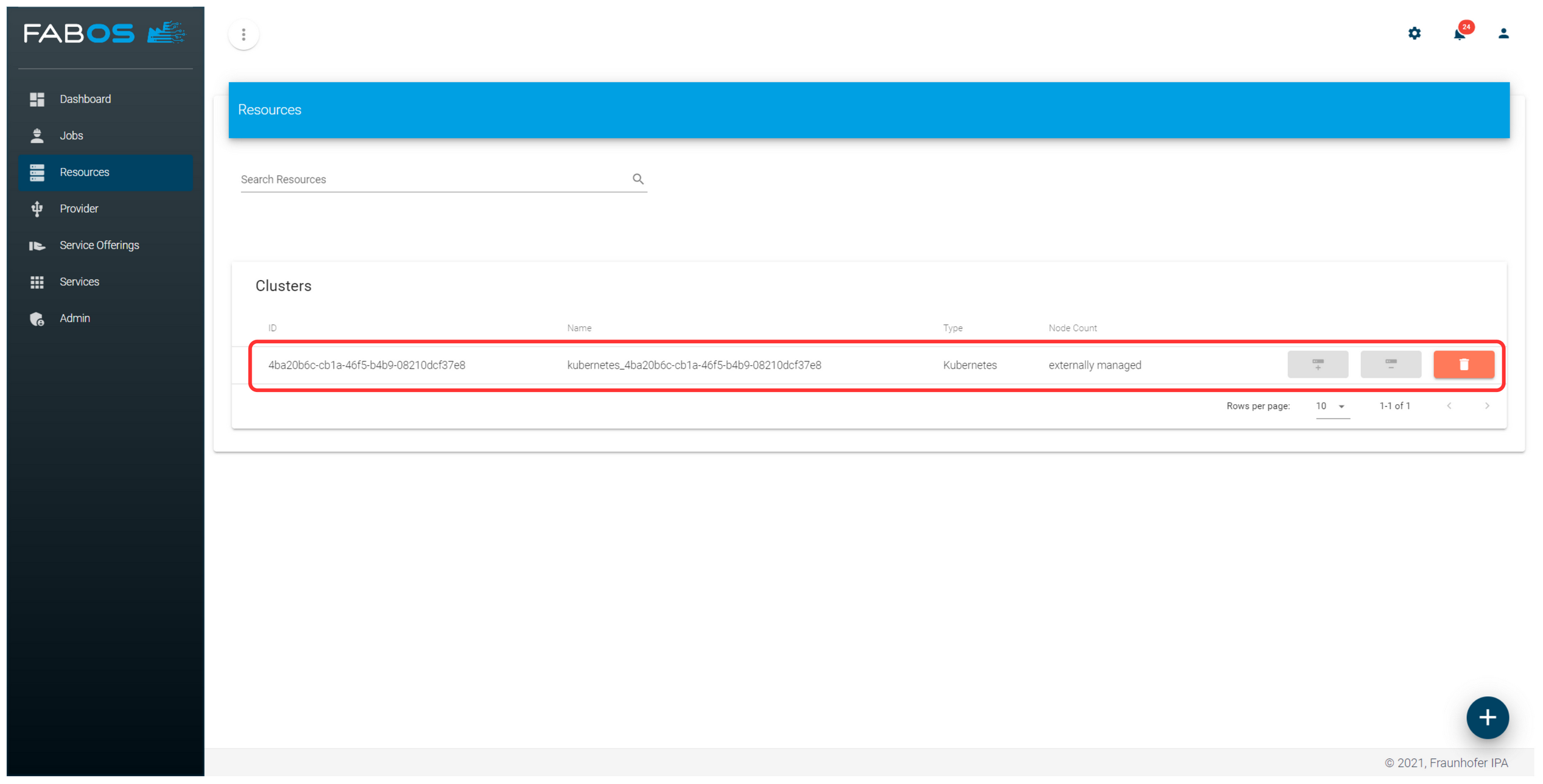
Clusters
The Service Lifecycle Management enables the installation of new clusters and the integration of existing clusters (managed clusters). To deploy a service offering into a cluster, the corresponding deployment capability must have the deployment type of the service offering defined in the property supportedDeploymentTypes(see section Deployment Capabilites for details).
Install new clusters
A corresponding cluster deployment capability must be available to allow the installation of a new cluster. That deployment capability must have an INSTALL action and a definition for clusterMemberTypes.
Example from the official K8S deployment capability:
{
    ...
    "actions": {
        ...
        "INSTALL": {
        "capabilityActionClass": "AwxCapabilityAction",
        "capabilityActionType": "INSTALL",
        "awxRepo": "https://github.com/eclipse-slm/slm-dc-k8s",
        "awxBranch": "main",
        "playbook": "install.yml",
        ...
    },
    ...
    "clusterMemberTypes": [
        {
            "name": "k8s_master",
            "prettyName": "Control-Plane Master",
            "minNumber": 3,
            "scalable": false
        },
        {
            "name": "k8s_node",
            "prettyName": "Worker",
            "minNumber": 1,
            "scalable": true
        },
        {
            "name": "haproxy",
            "prettyName": "External Proxy",
            "minNumber": 1,
            "scalable": false
        }
    ],
    ...
}
Install new Kubernetes clusters
The Service Lifecycle Management provides an official K8S deployment capability, which supports the installation of new clusters. At least 5 hosts are required to set up a new Kubernetes cluster.
Example:
Go to the
Resourcetab and press the+button in the bottom right corner.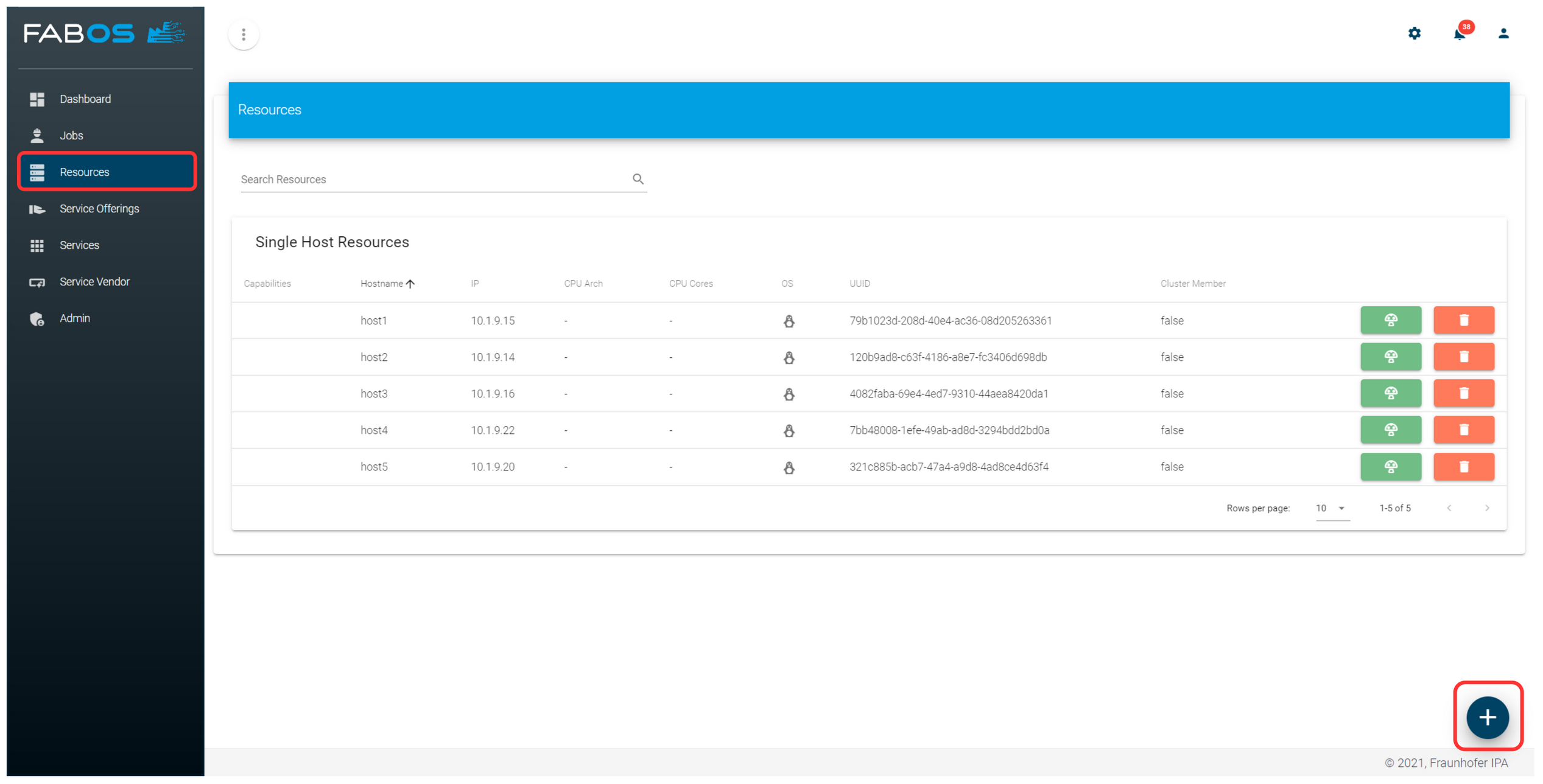
Select
ADD EXISTING.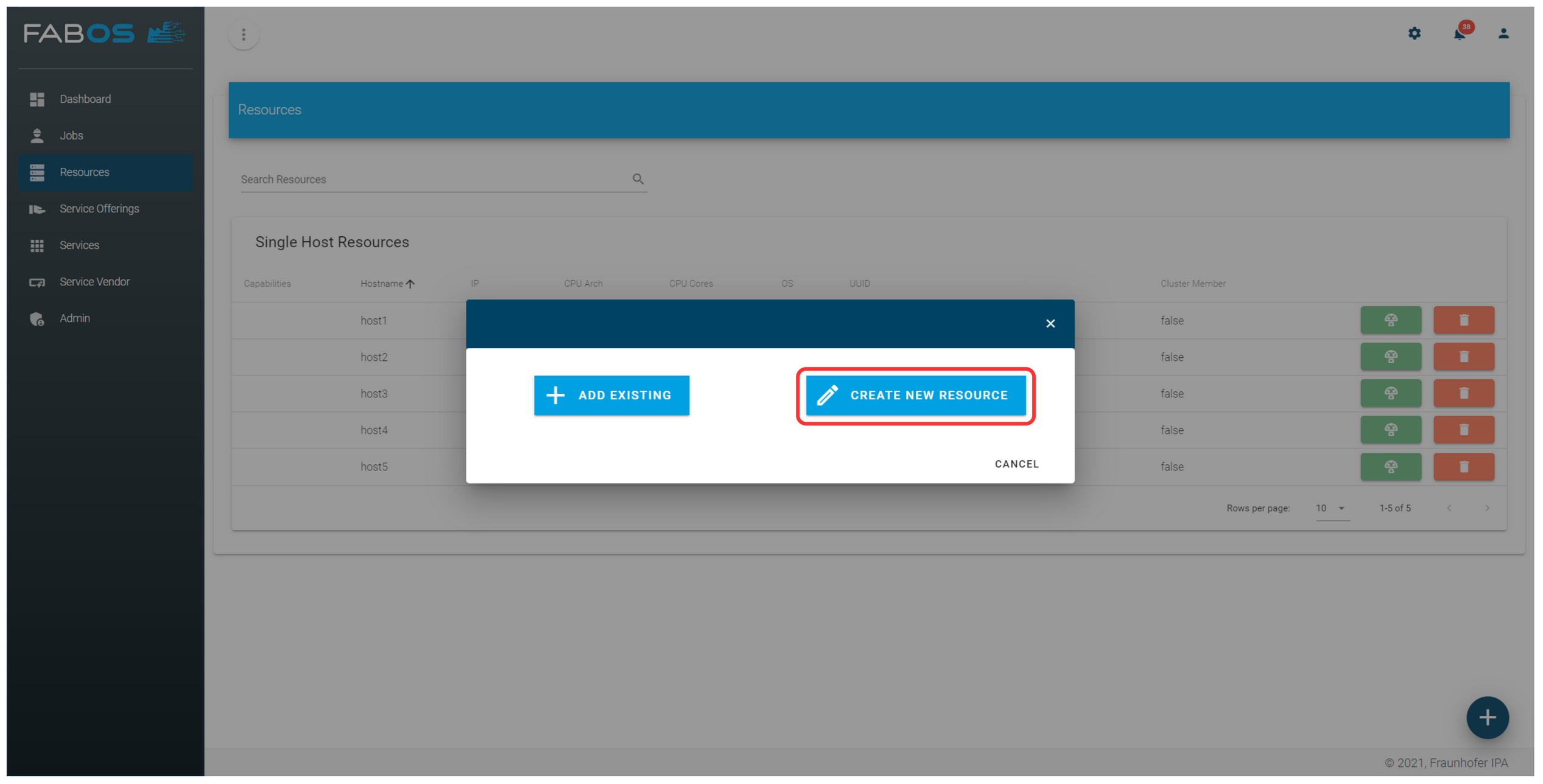
Select
Cluster.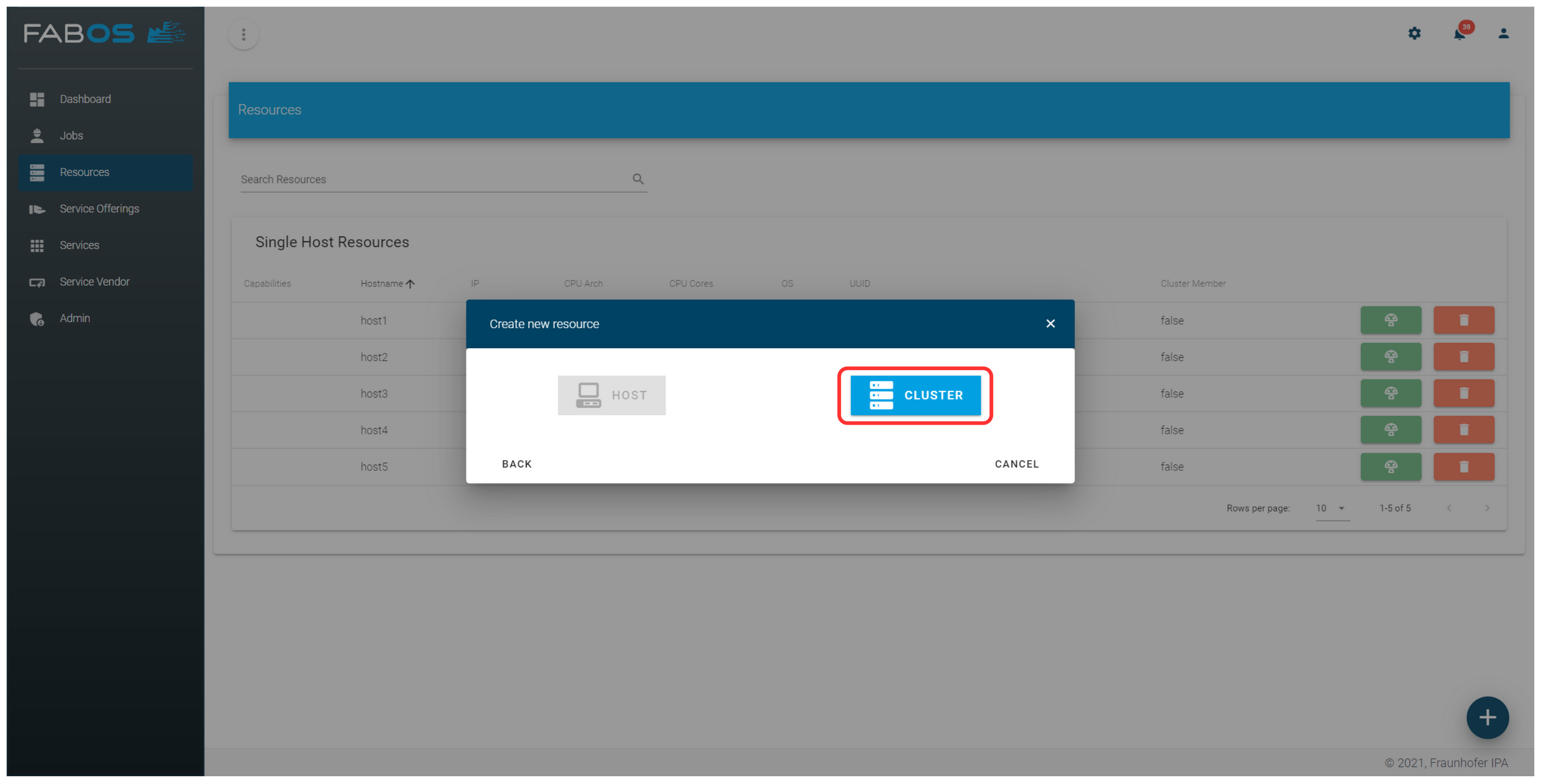
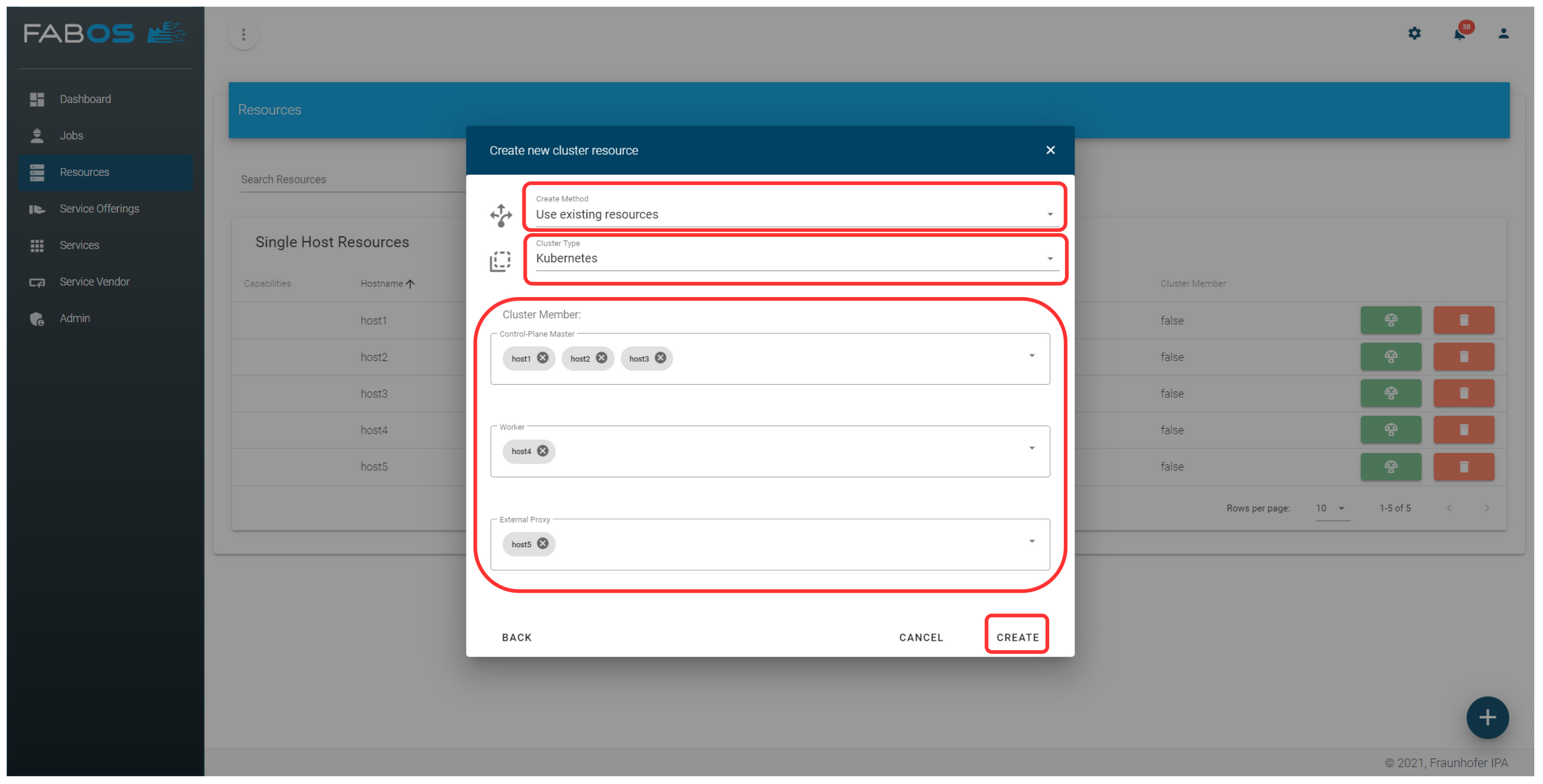
Configure cluster
- Select
Create MethodeUse existing resources. - Select
Cluster TypeKubernetes. - Assign the hosts to the member types.
- Press
CREATE, and the automation to set up your Kubernetes cluster will be triggered. It will take a few minutes.
- Select
- After the automation has finished, your new Kubernetes cluster will be shown in the
Resourcesoverview.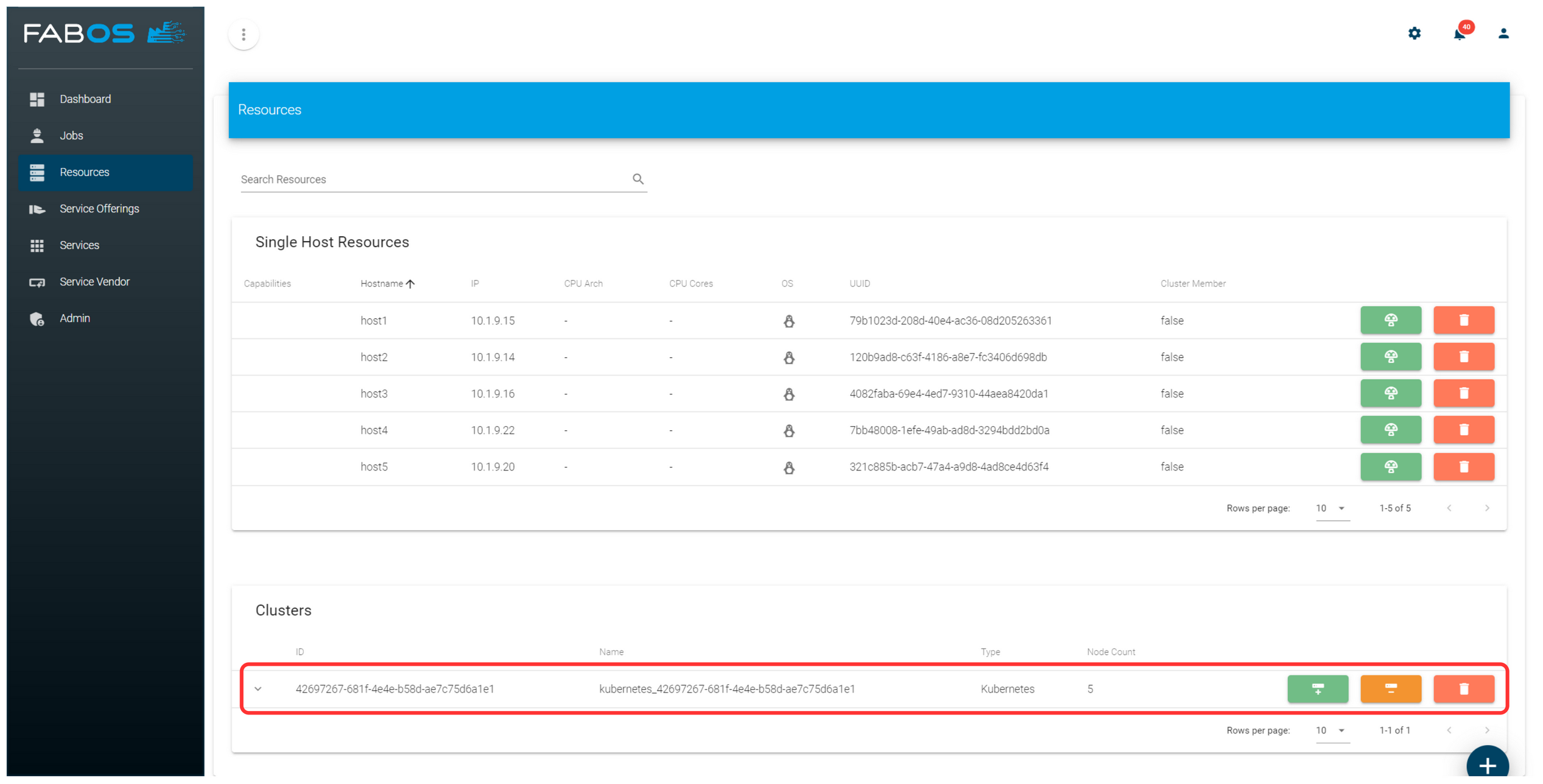
Add managed clusters
Already existing clusters be added as managed clusters. To allow the addition of a managed cluster, a corresponding cluster deployment capability must be available. That deployment capability must have an INSTALL action with the property skipable: true. Configuration parameters in the action, can be used to query information required for accessing the cluster.
Example from the official K8S deployment capability:
{
    ...
    "actions": {
        ...
        "INSTALL": {
            "capabilityActionClass": "AwxCapabilityAction",
            "capabilityActionType": "INSTALL",
            "awxRepo": "https://github.com/eclipse-slm/slm-dc-k8s",
            "awxBranch": "main",
            "playbook": "install.yml",
            "skipable": true,
            "configParameters": [
                {
                "name": "kubeconfig",
                "prettyName": "Kube Config",
                "description": "...",
                "secret": true,
                "valueType": "FILE",
                "requiredType": "SKIP"
                },
                {
                "name": "namespace",
                "prettyName": "Namespace",
                "description": "...",
                "secret": true,
                "valueType": "STRING",
                "requiredType": "SKIP"
                }
            ]
        },
        ...
    },
    ...
}
Kubernetes Clusters
The Service Lifecycle Management provides an official K8S deployment capability, which supports managed clusters. It requires a kubeconfig file and a namespace in the cluster. The Service Lifecycle Management will deploy all services into this namespace.
Example:
Go to the
Resourcetab and press the+button in the bottom right corner.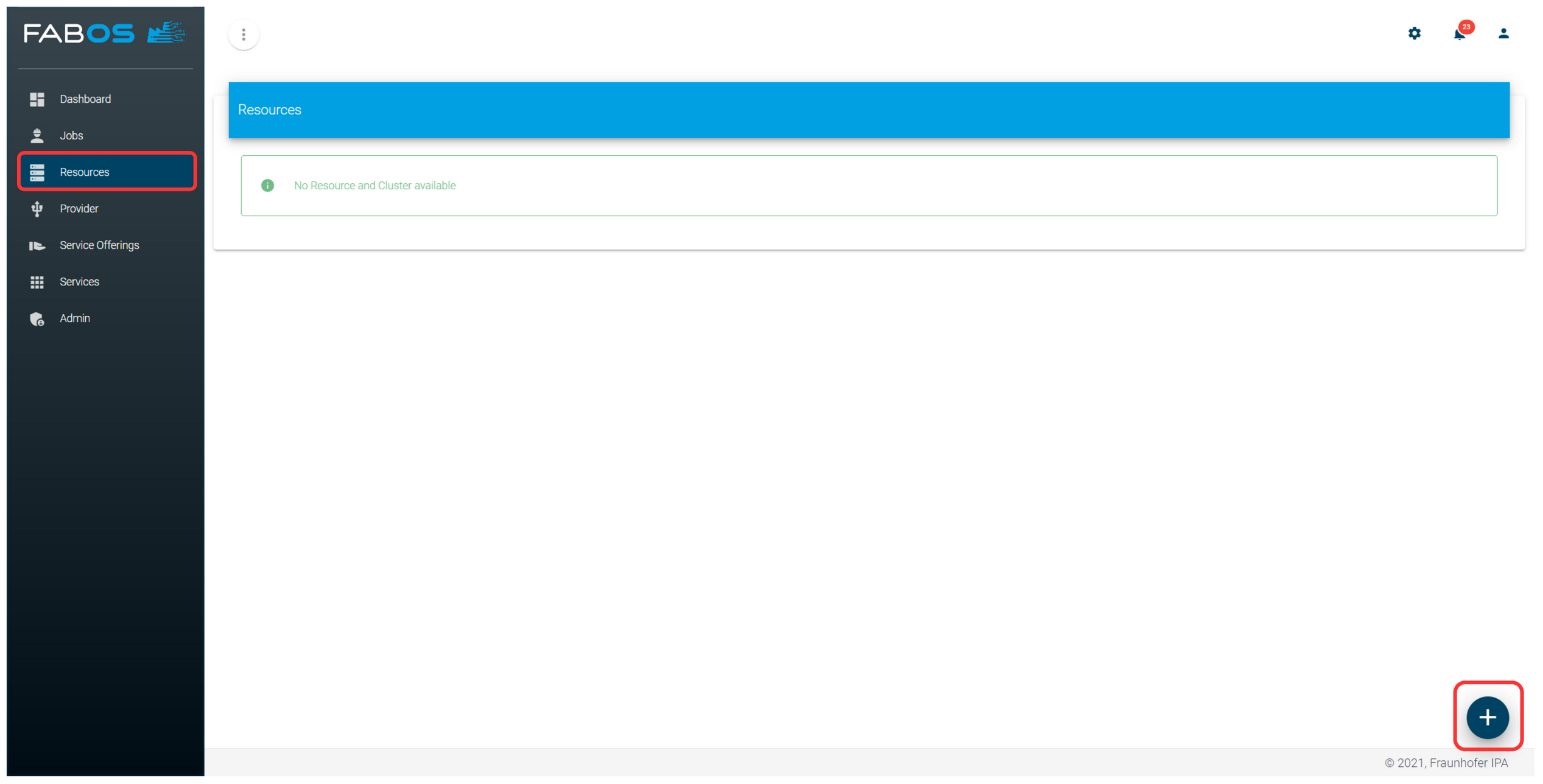
Select
ADD EXISTING.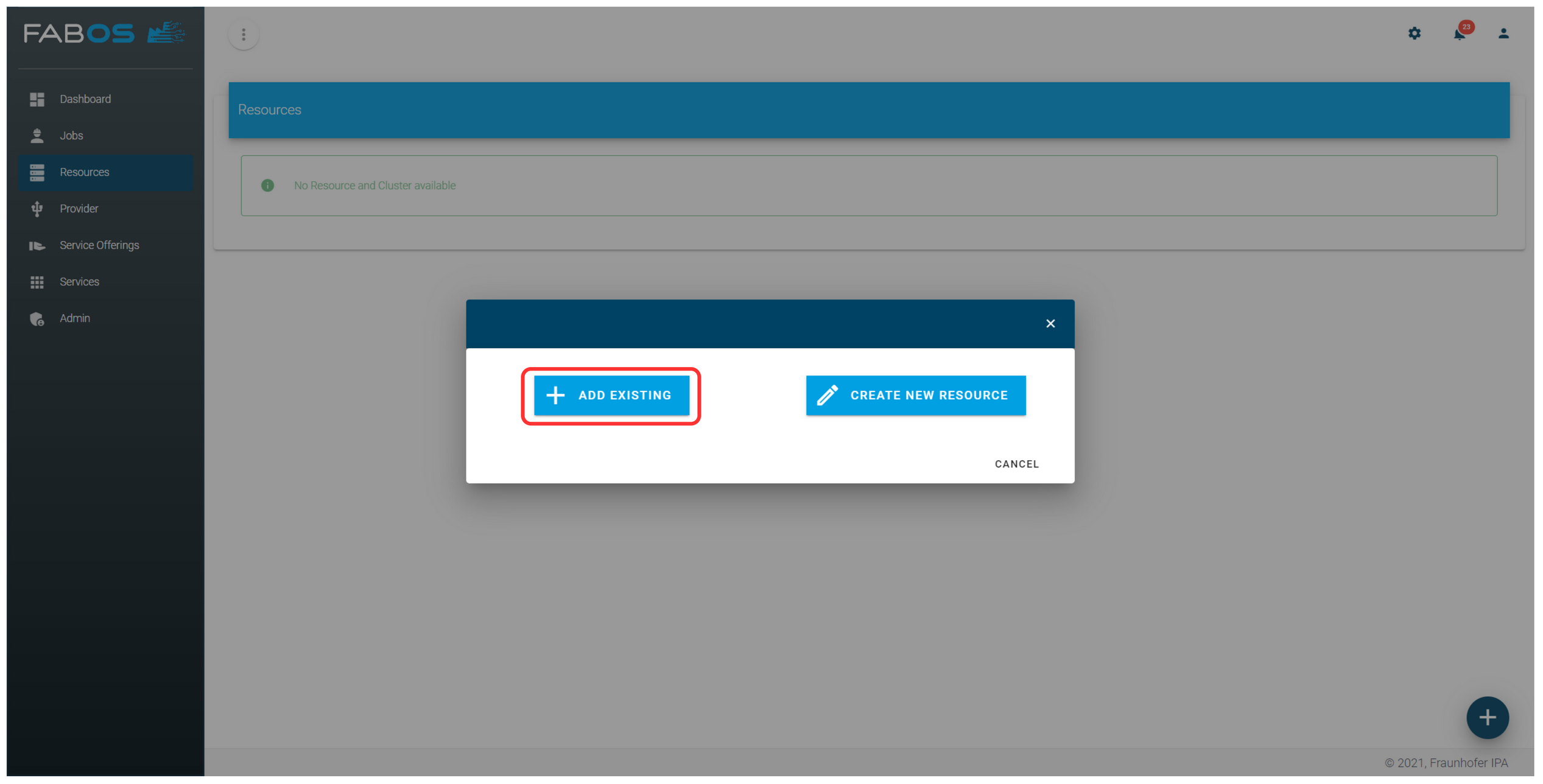
Select
Cluster.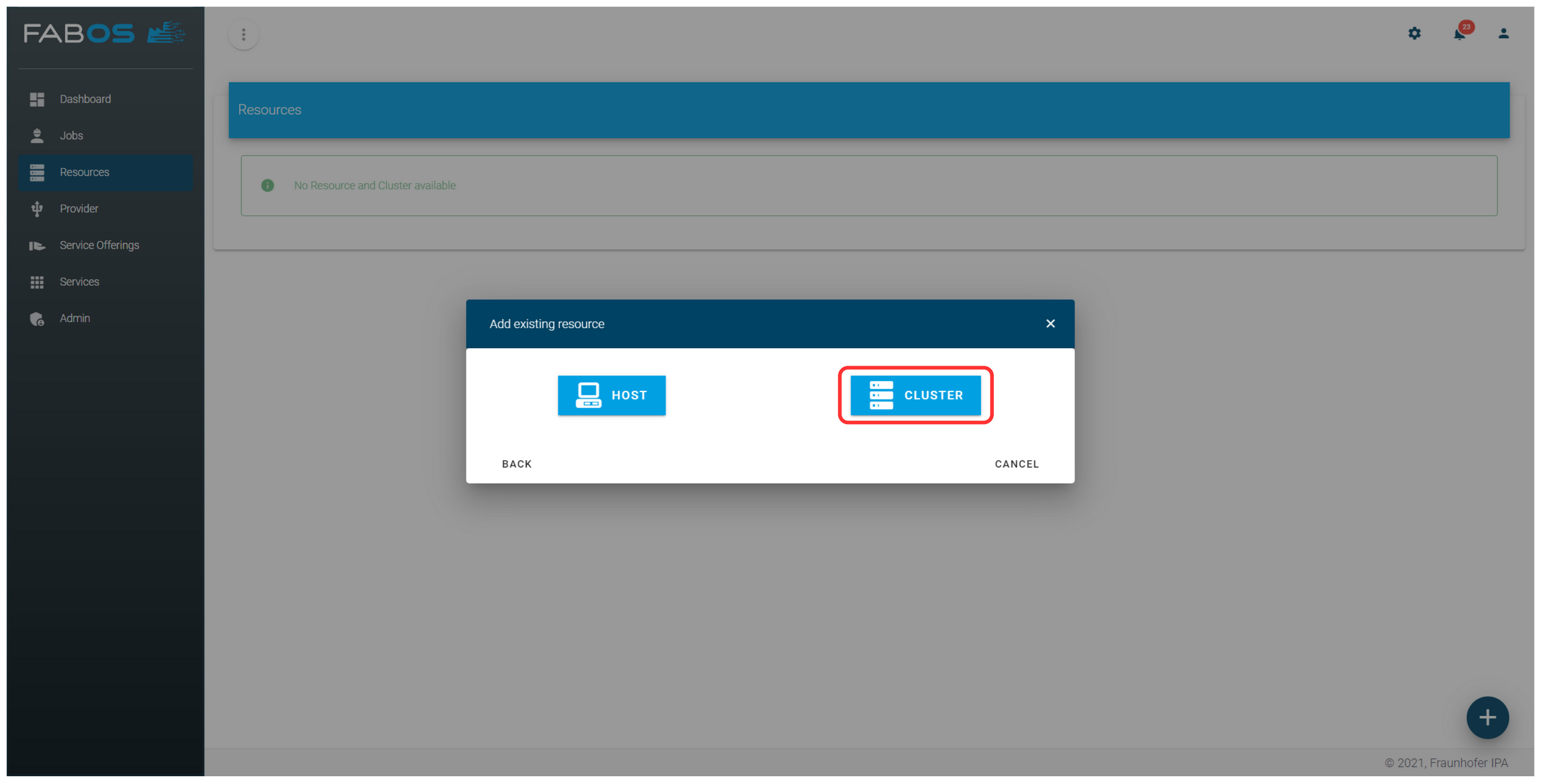
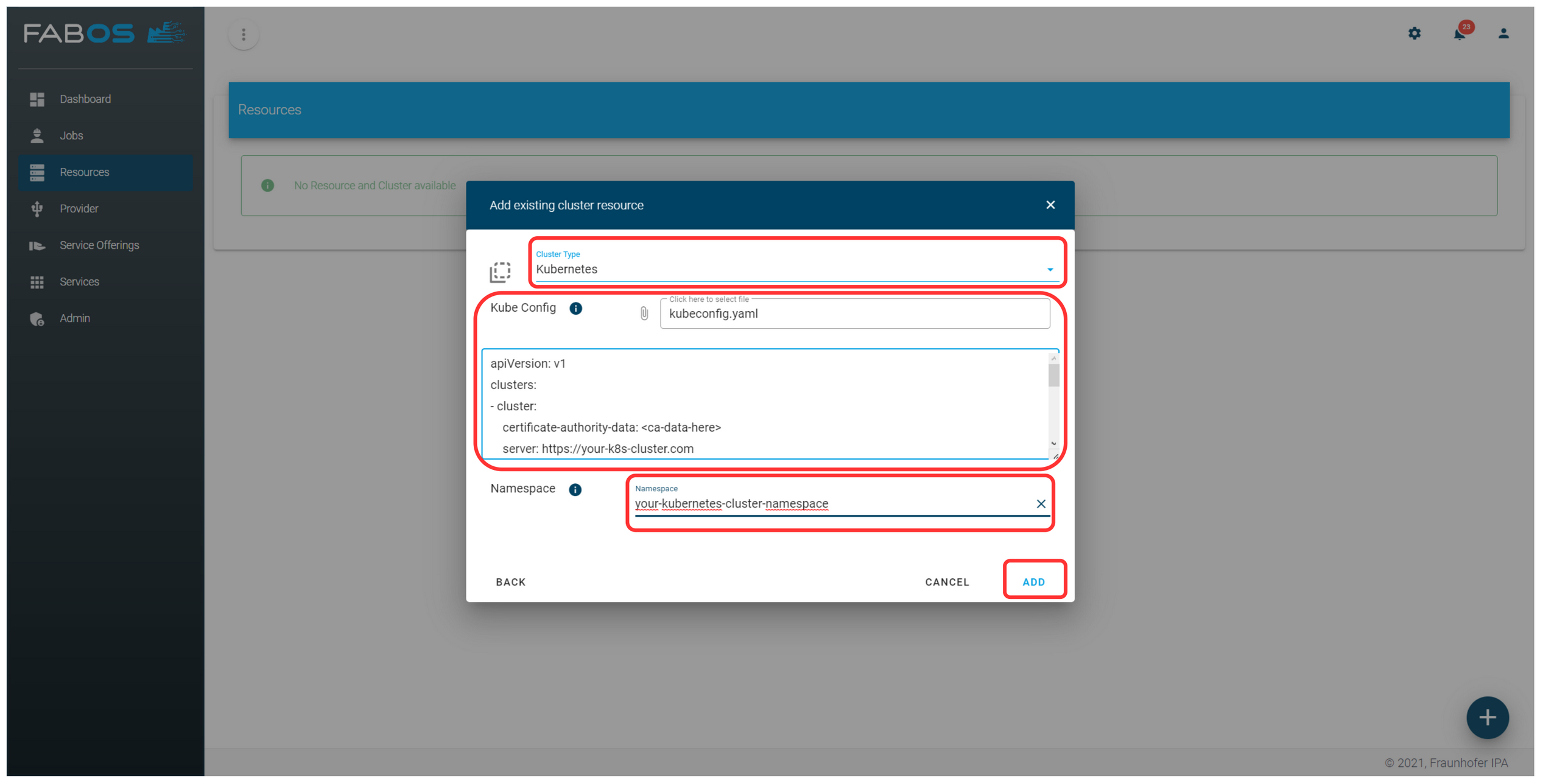
Add details of cluster
- Select
Cluster TypeKubernetes. - Upload or paste the kubeconfig file of the Kubernetes cluster you want to add.
- Enter the name of the namespace where the Service Lifecycle Management should deploy your services.
- Press
ADD, and your Kubernetes cluster will be added.
- Select
Your Kubernetes cluster will be shown in the
Resourcesoverview.