Discovery
Discovery is a feature of the SLM that allows you to discover resources in your environment and provide information about them to the SLM.
Drivers
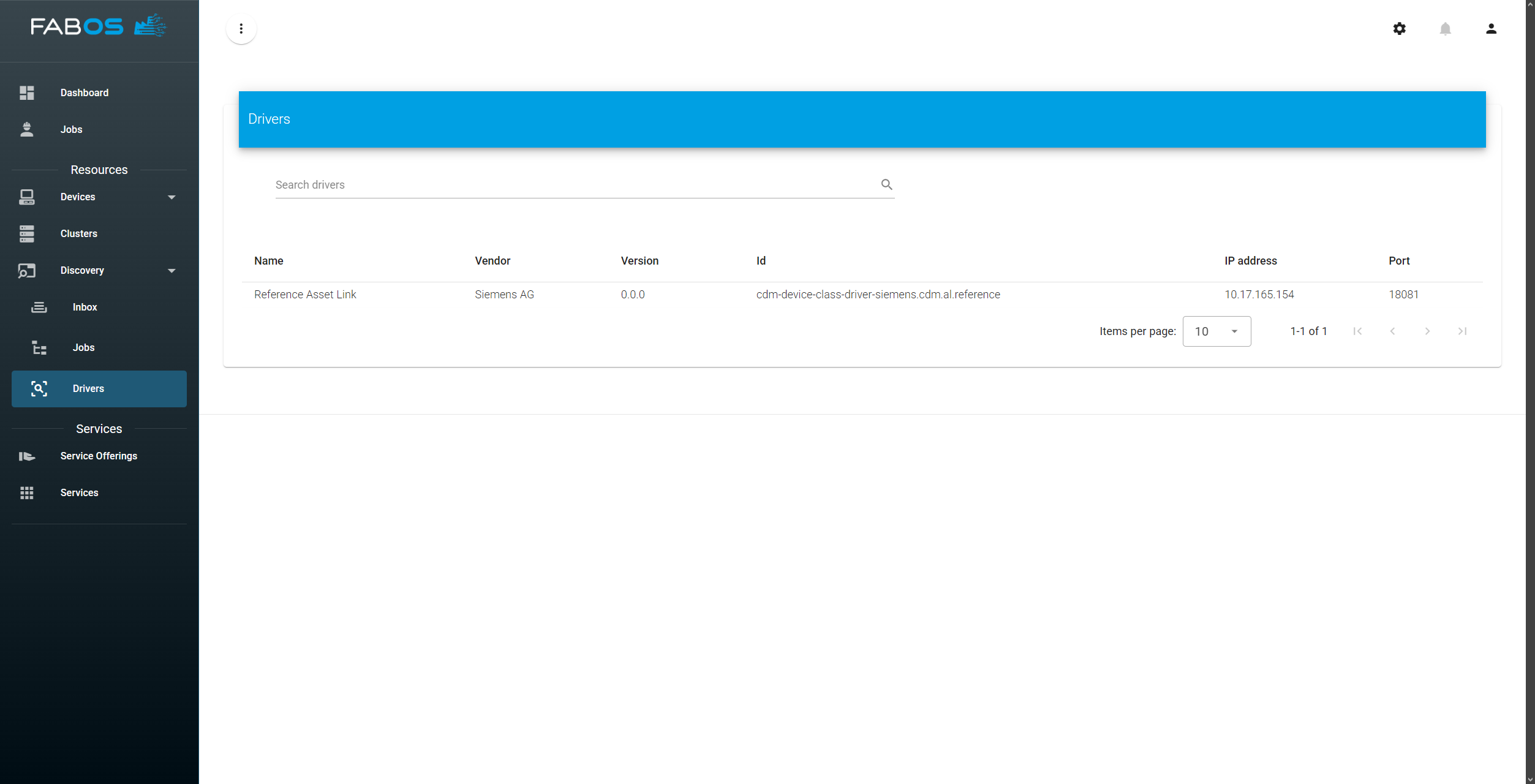
In order to use the discovery features of the SLM, you need to have a discovery driver installed first. The driver is responsible for discovering resources in your environment and providing information about them to the SLM.
To check if you have a discovery driver installed
GO TO
Discovery > Drivers
If you see a message saying "No drivers available", you need to install one first. Here is one example of a discovery driver:
Start Discovery
To start a discovery
GO TO
Discovery > Inbox
... and click on the "magnifying glass" button in the lower right corner: 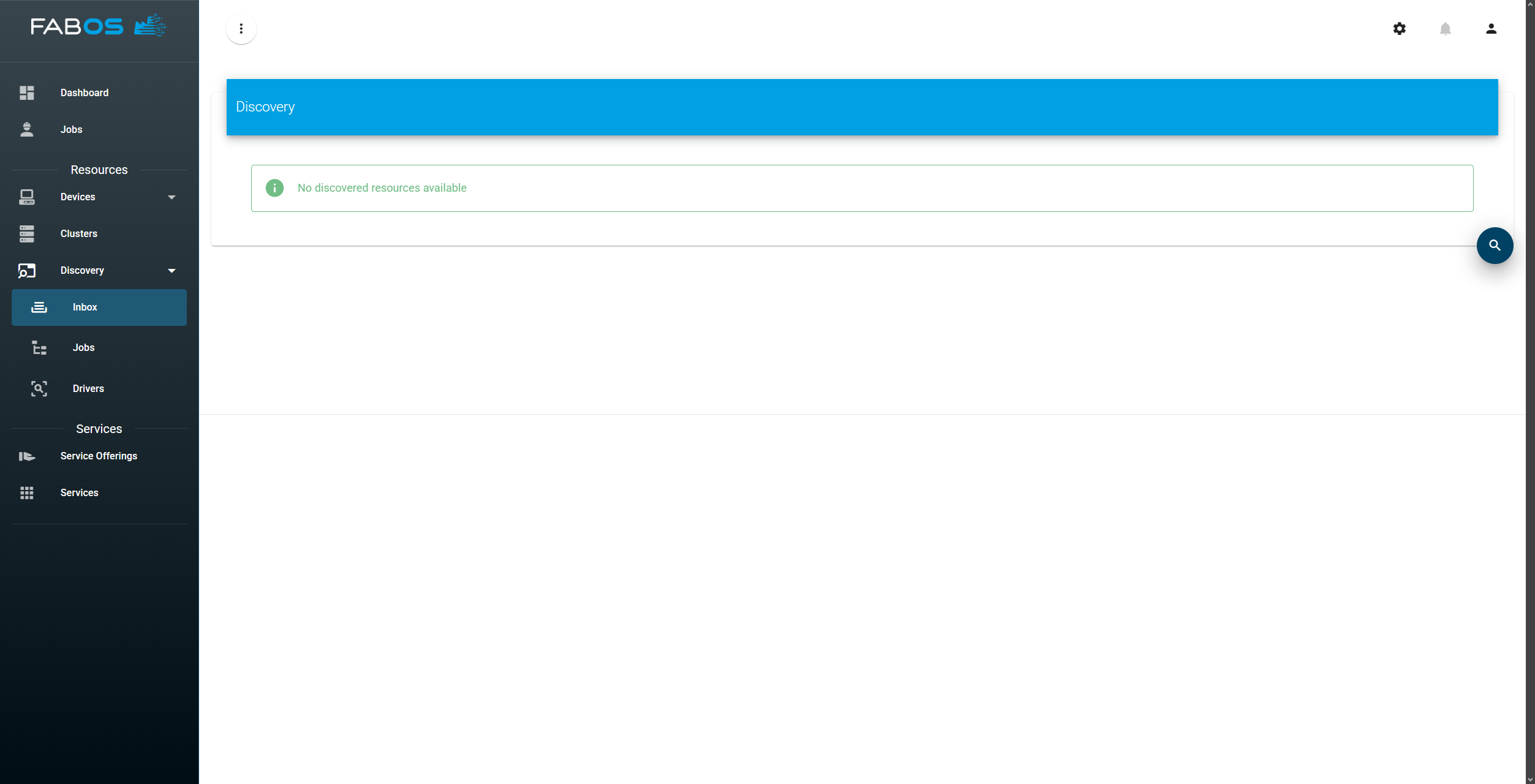
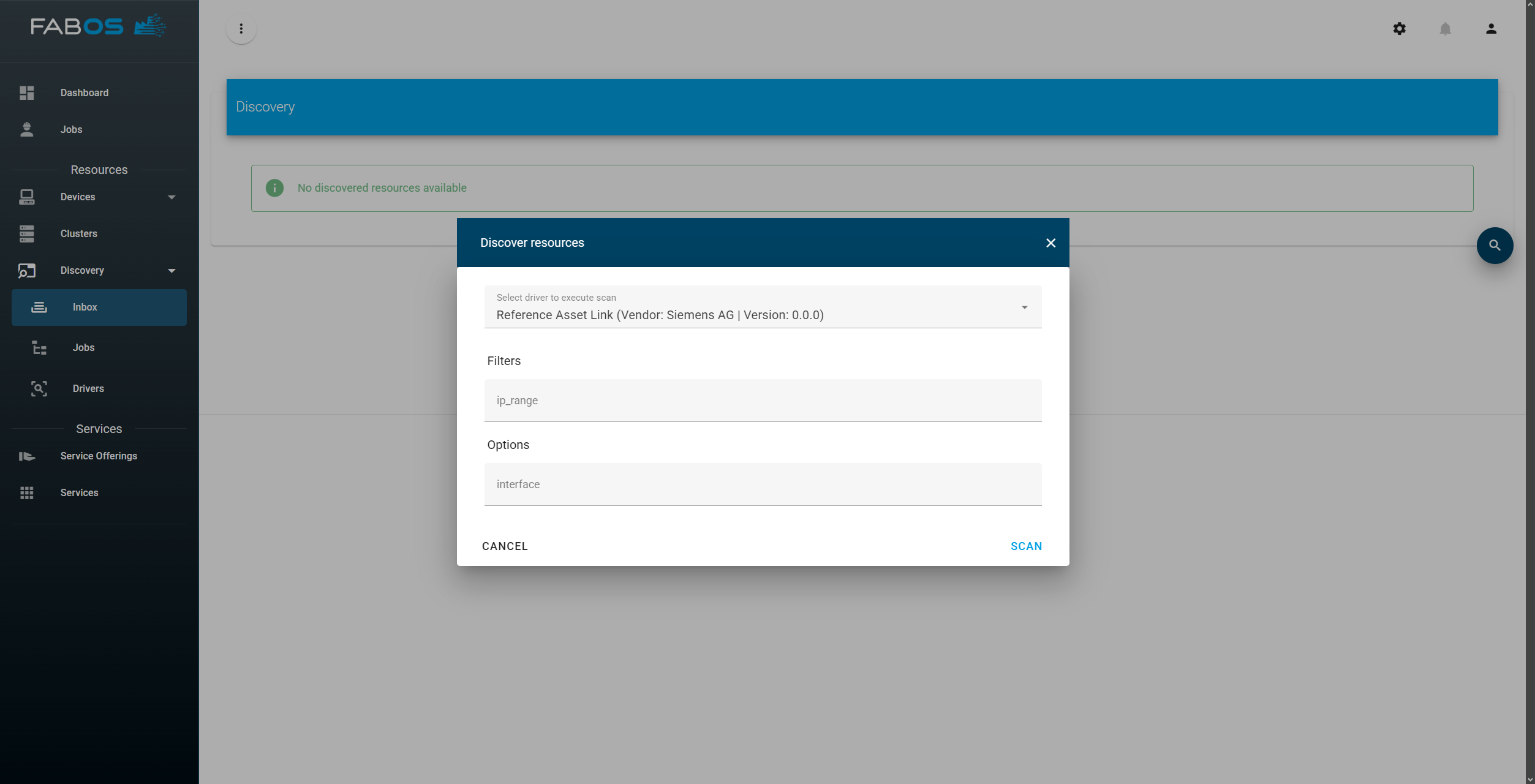
Then select the discovery driver you want to use and click on "Scan" at the bottom right of the dialog:
At the bottom right of the window a status messages indicates that the discovery has started running:
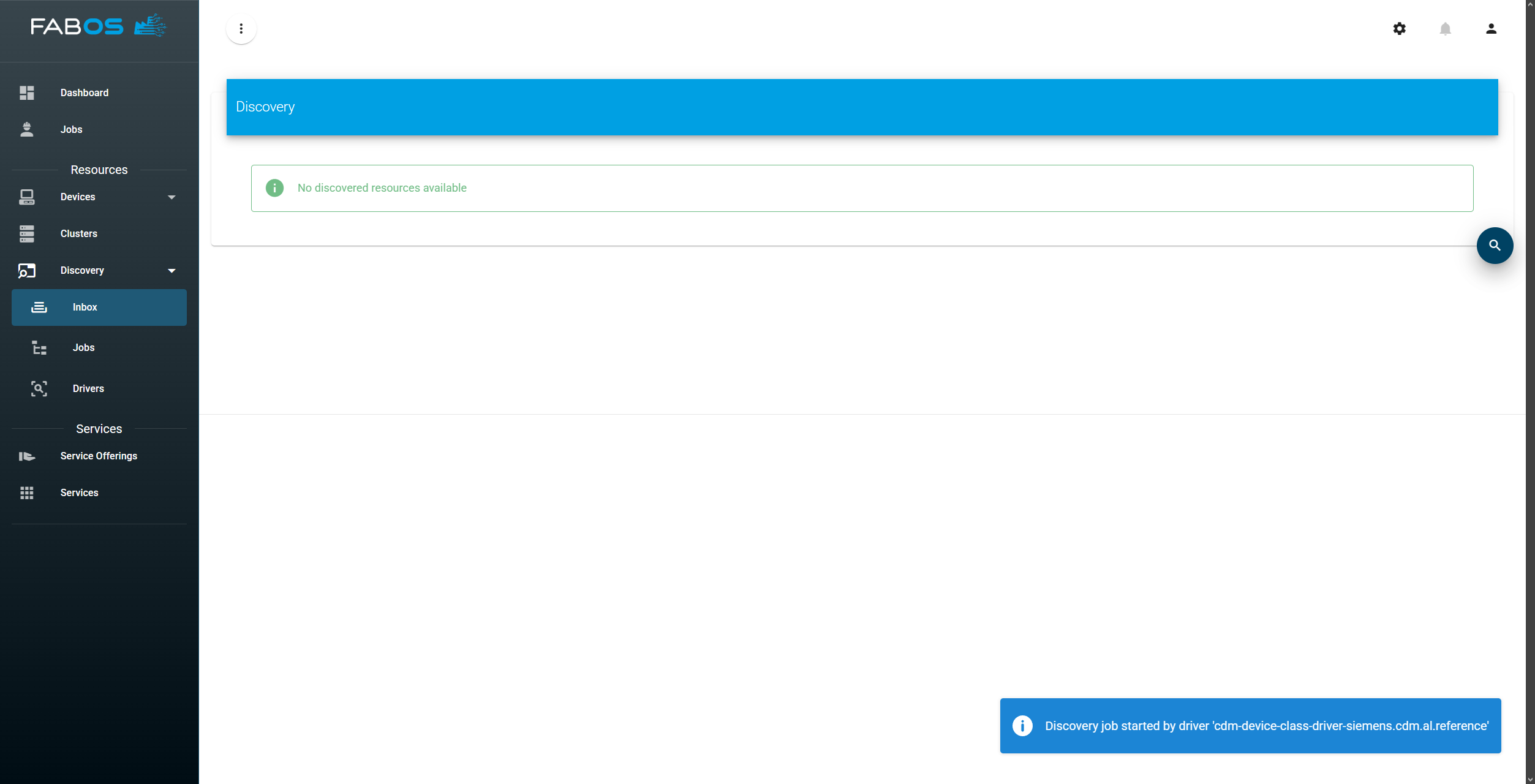
To check the status of the discovery job
GO TO
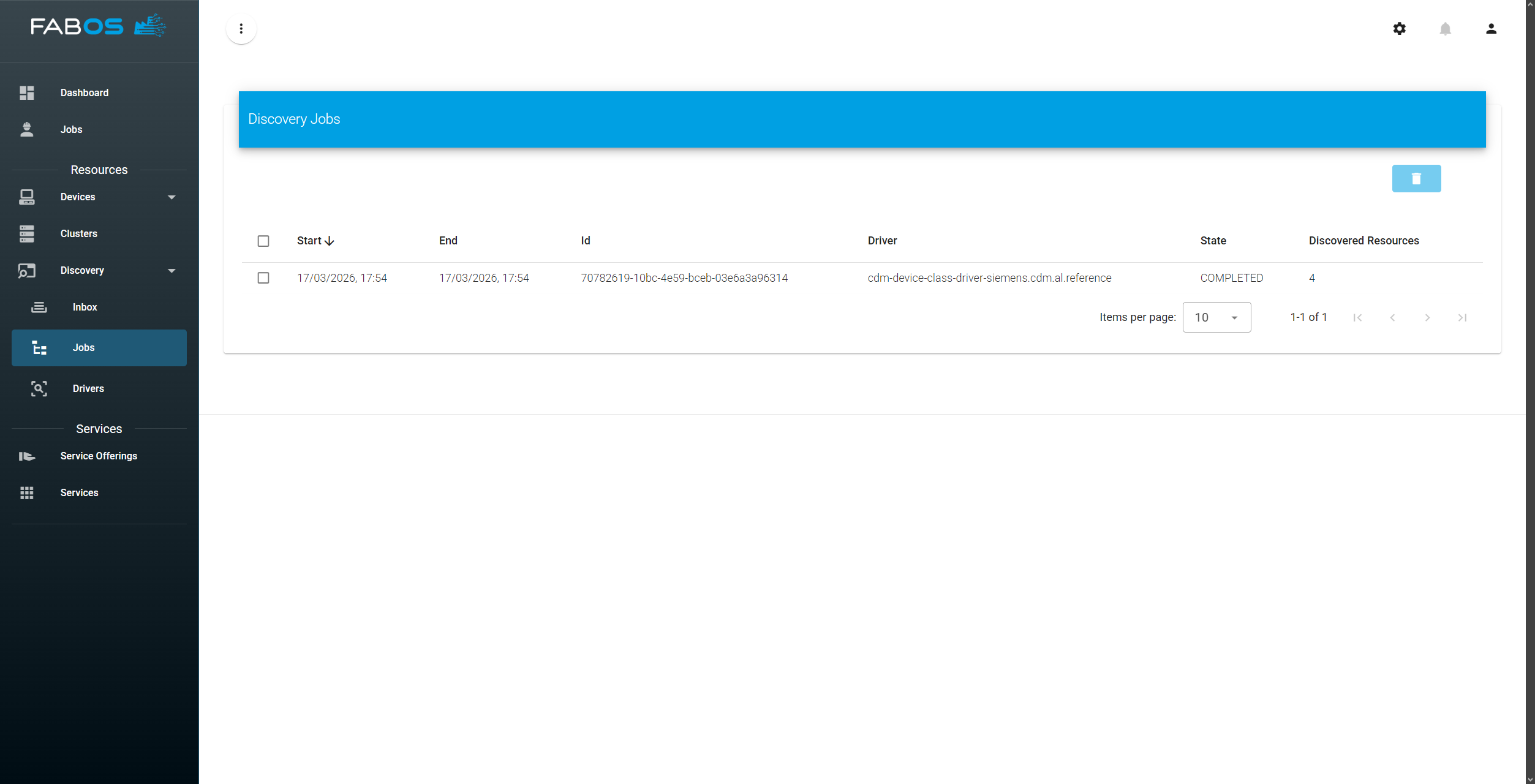
Discovery > Jobs
The job view displays a table showing all discovery jobs and their properties:
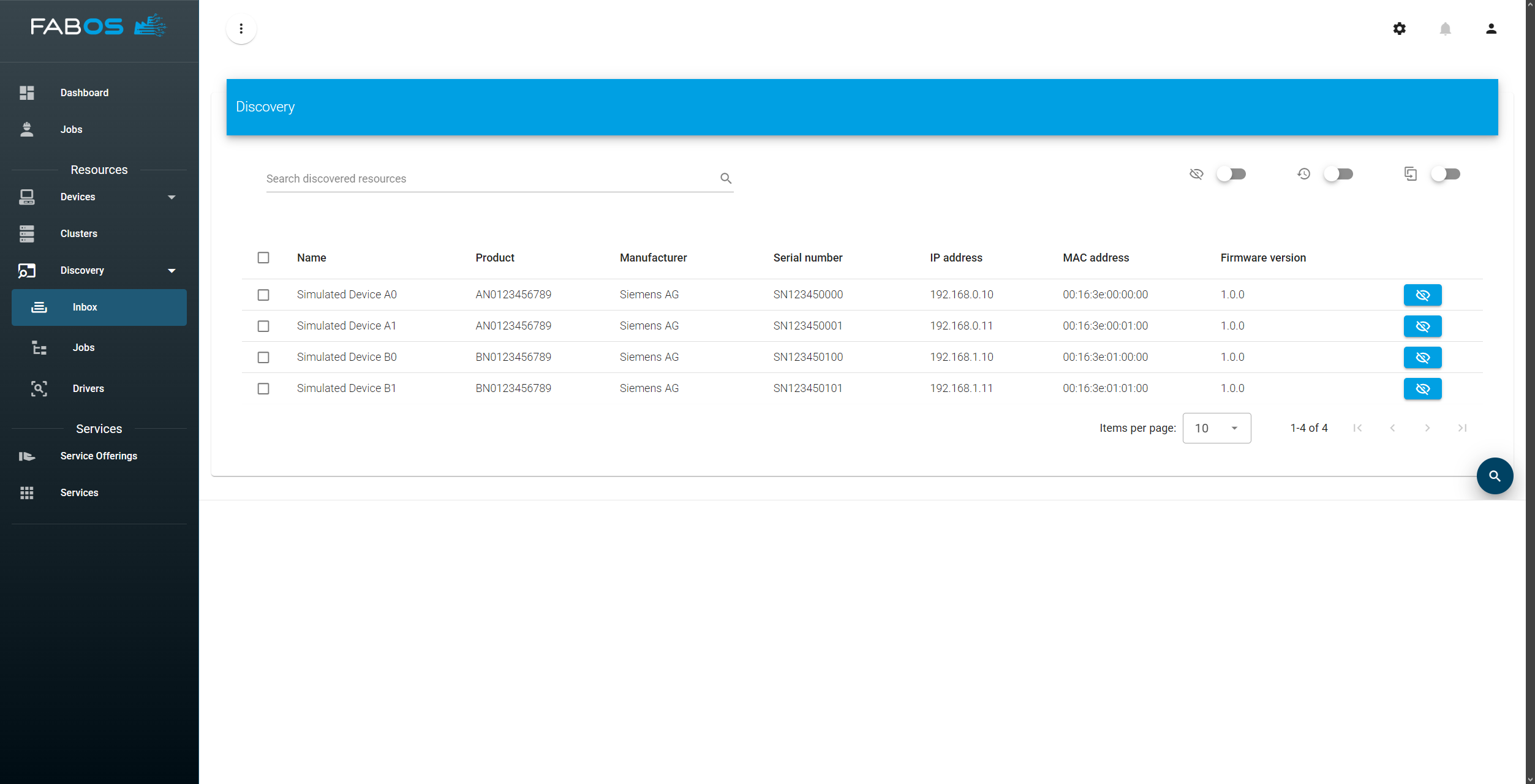
After the discovery job has finished, you can check the results in the inbox:
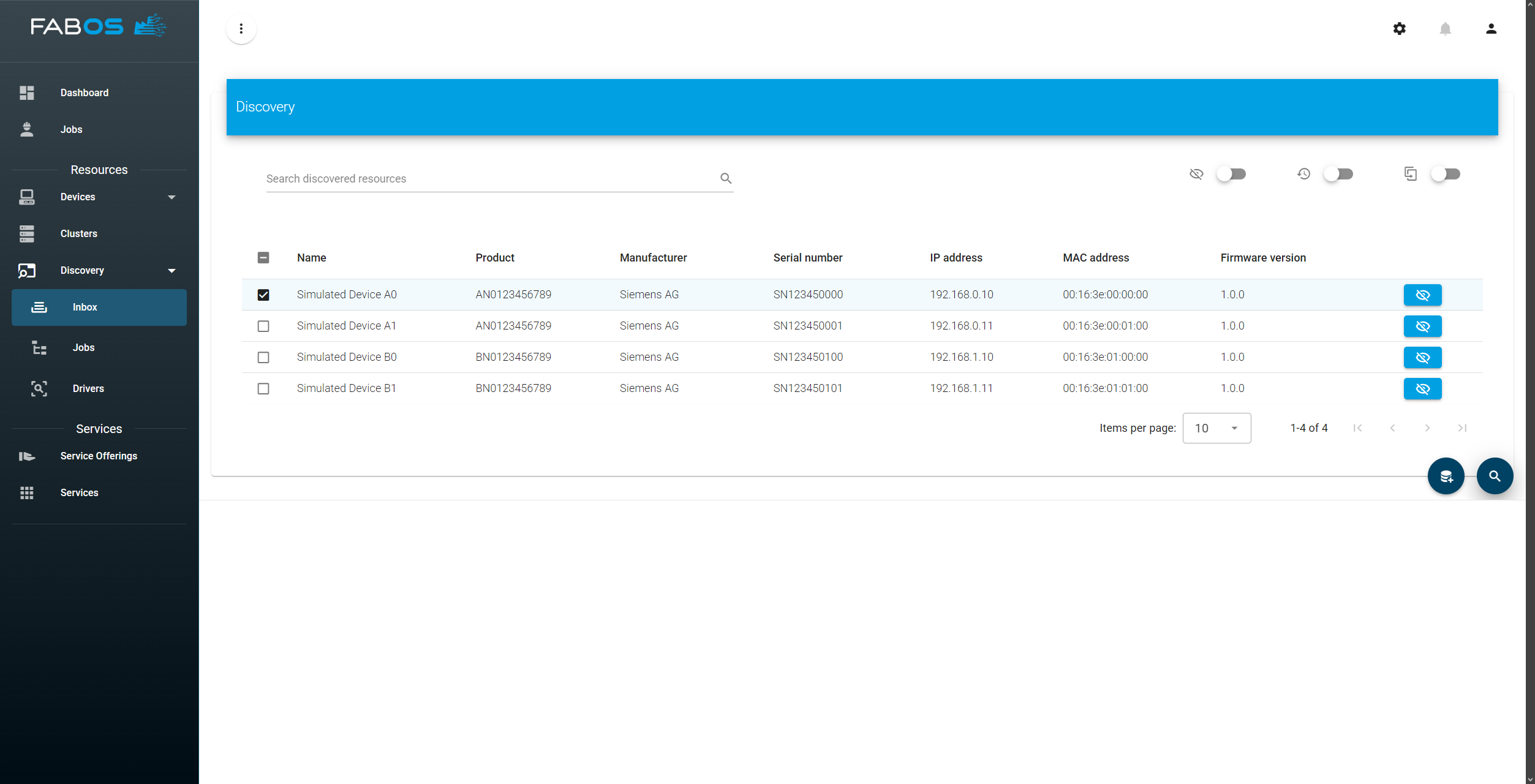
To hide a discovered device in the inbox, click on the "Hide" button in the "Actions" column of the far right of the table. To add the device to the resources managed by the SLM, check the checkbox of the device and click the "Add" button next to the "Discover" button at the bottom right of the view:
Confirm the adding of the device in the dialog by clicking on "Add" at the bottom right of the dialog:
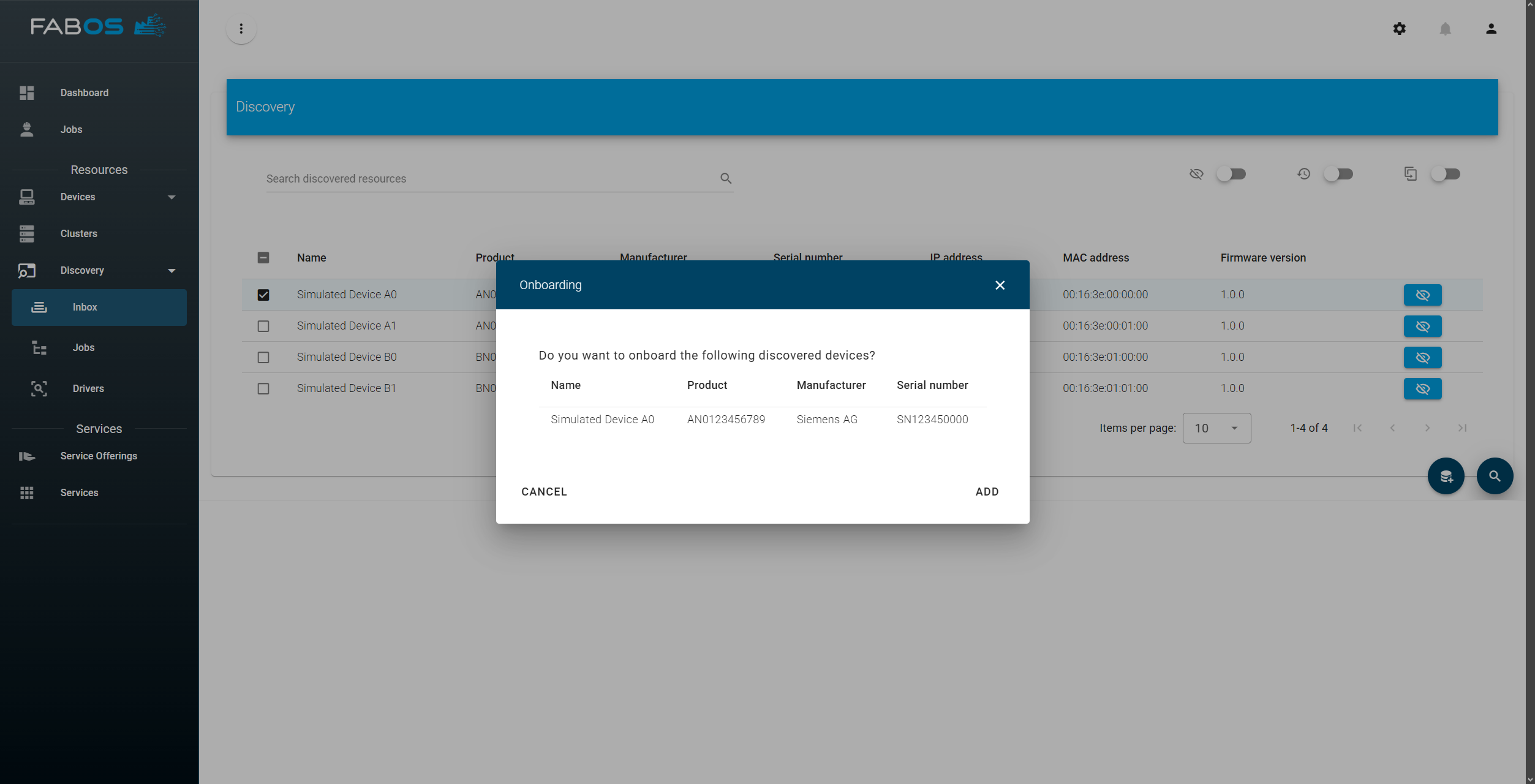
After the device has been added, the device will disappear from the discovery inbox. To see the device
GO TO
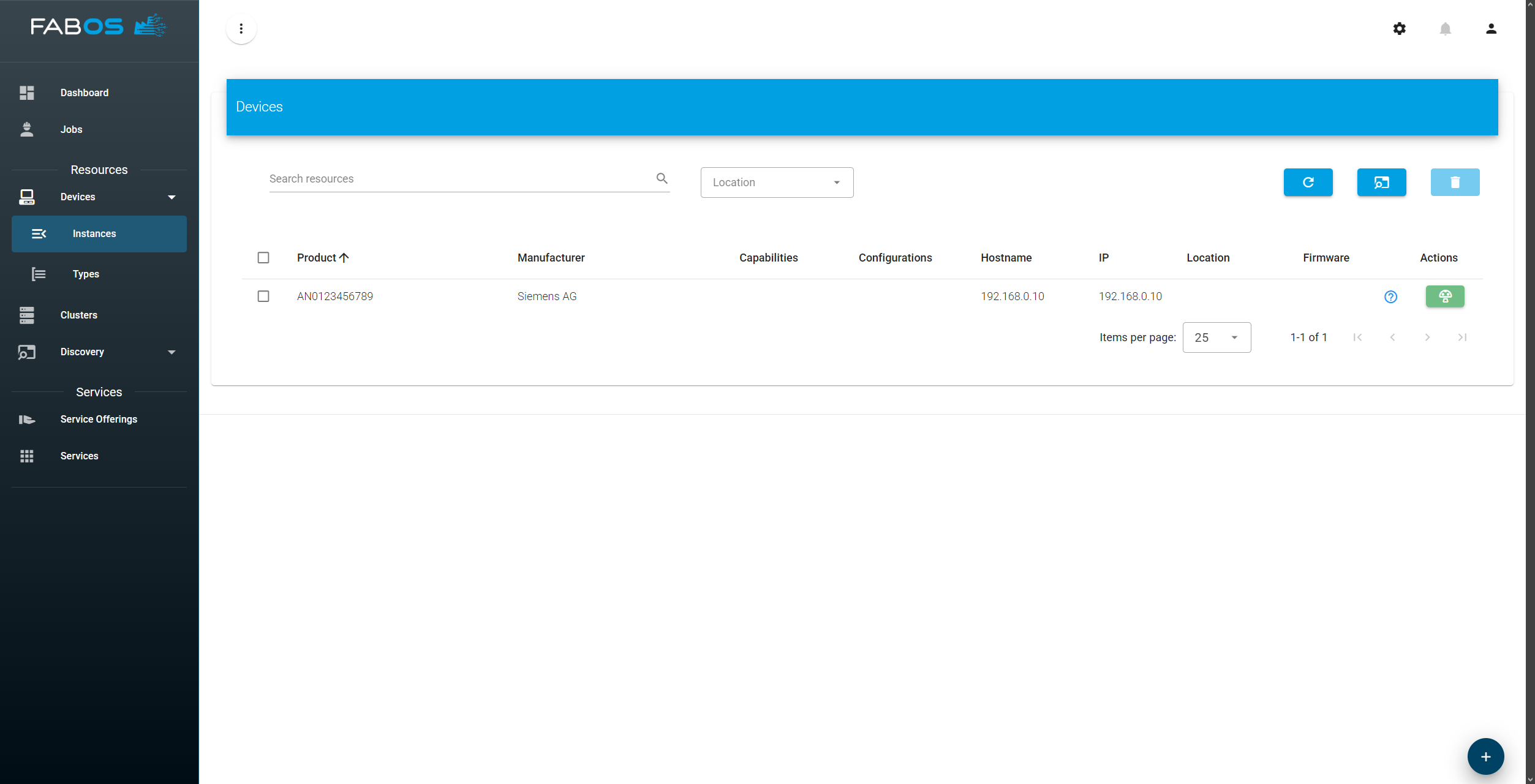
Devices > Instances
where the device is listed as a resource and can be managed like any other resource: